
Alumni & Friends
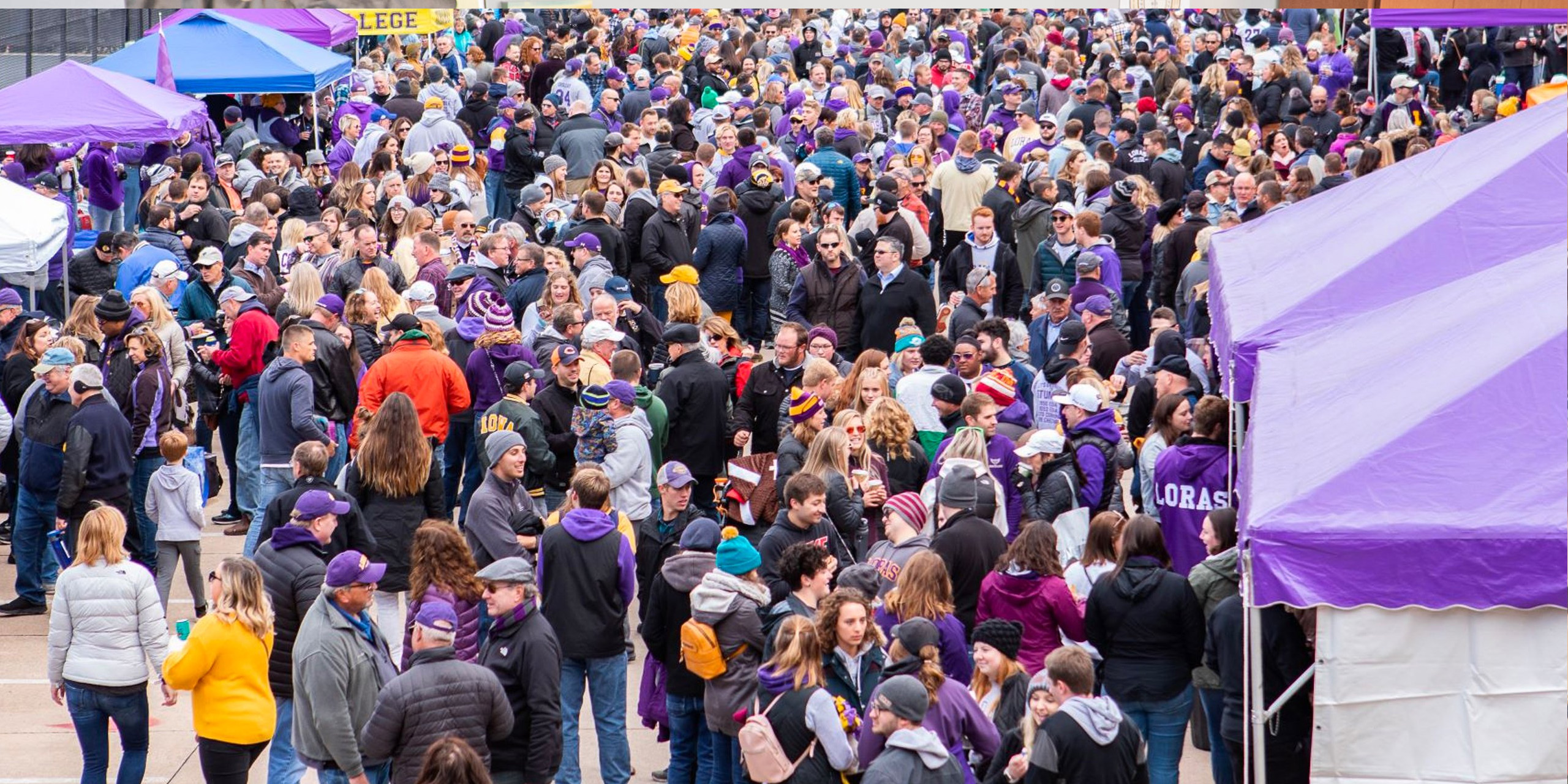
Forever a Duhawk
Campus will always and forever
be your home away from home.
Alumni & Friends
Since 1839, Loras alumni have shared a special bond. Whether it’s been five years or fifty since graduation, the campus still feels like home when Duhawks come back.
Explore all the ways you can stay involved with Loras College and keep in touch with your fellow Duhawks throughout the year.
Upcoming Events
Thursday April 25
- 7:00 pm – 8:00 pm
- Loras Women's Leadership Alliance Book Club
Tuesday April 30
- 6:30 pm – 8:00 pm
- Loras Women's Leadership Alliance Red Basket Service Event
Friday May 10
- 6:00 pm – 9:00 pm
- Loras Legacy Ball
Stay Connected
There are many ways an individual, a group of friends, classmates, or even teammates can make a difference at Loras. Please help us build our network of alumni worldwide!
From networking opportunities, prayers of support, or reunions with old friends, Loras alumni can always count on their Duhawk family.
Get in Touch
Alumni Office
563.588.7120

Join Us!
Homecoming
October 4-6, 2024
Join thousands of alumni, family and friends returning home to campus to celebrate and participate in reunions, athletic competitions, panels, networking, tailgating, and more.
Duhawk Day
March 6, 2024
Join fellow Duhawks across the nation as we carry on the tradition to CELEBRATE our Loras spirit, UNITE our community, and SUPPORT the future of Loras.
Legacy Ball
May 10, 2024
Loras’s signature event, bringing together alumni and the Dubuque community to support student scholarships while experiencing a four-course meal, a live auction, and student success stories.
Prayer Requests
In addition to the book of prayers in Christ the King Chapel, Loras has created an email prayer chain. Share your intentions with us by answering the questions below. Thanks for your prayers.
Prayer seeking the intercession of St. Joseph, Patron Saint of Loras College:
To you, O blessed Joseph, we have recourse, and with hearts filled with confidence, earnestly ask you to take us under your protection. We humbly pray that you will look with a gracious eye upon that inheritance which Jesus Christ purchased with His blood and support our need by your power and strength. Defend, most watchful guardian of the Holy Family, the chosen offspring of Jesus Christ. Shield us under your patronage that, imitating your example and strengthened by your help, we may live a holy life, die a happy death and attain to everlasting happiness in Heaven. Amen.“
Graduate Degrees
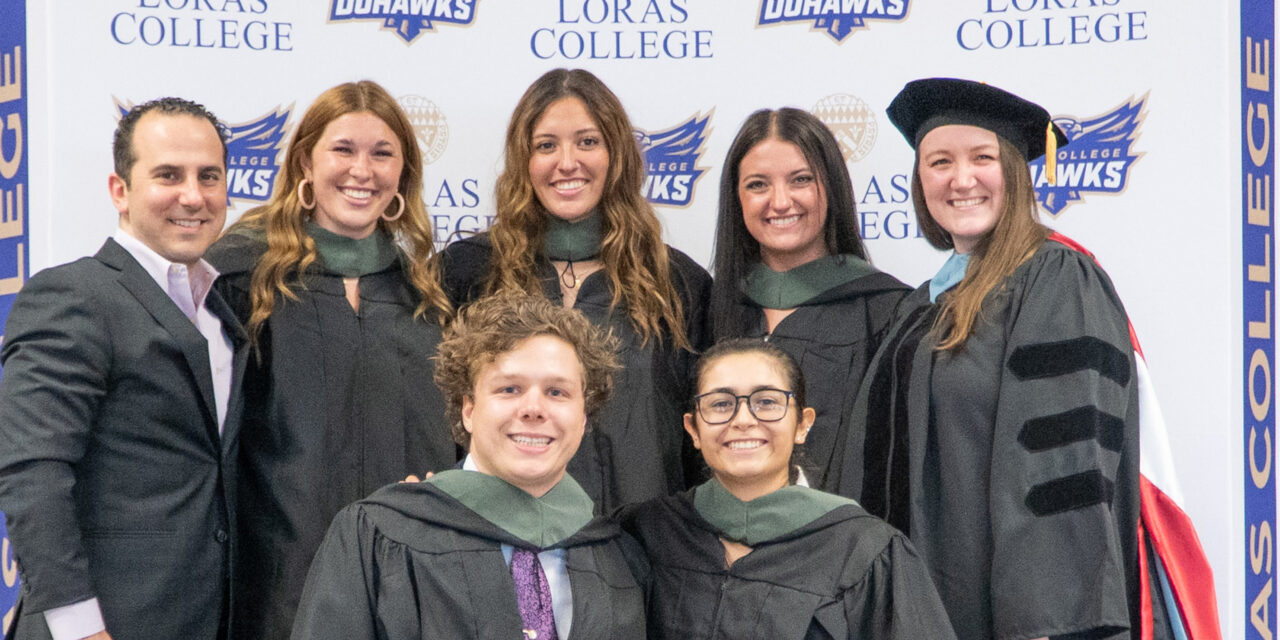
Are you looking to pursue a master’s degree? Advance your current career with flexible programs designed with you in mind!
Full-time, evening, online, and on-campus options—making it possible for you to further your education.
Alumni News
-
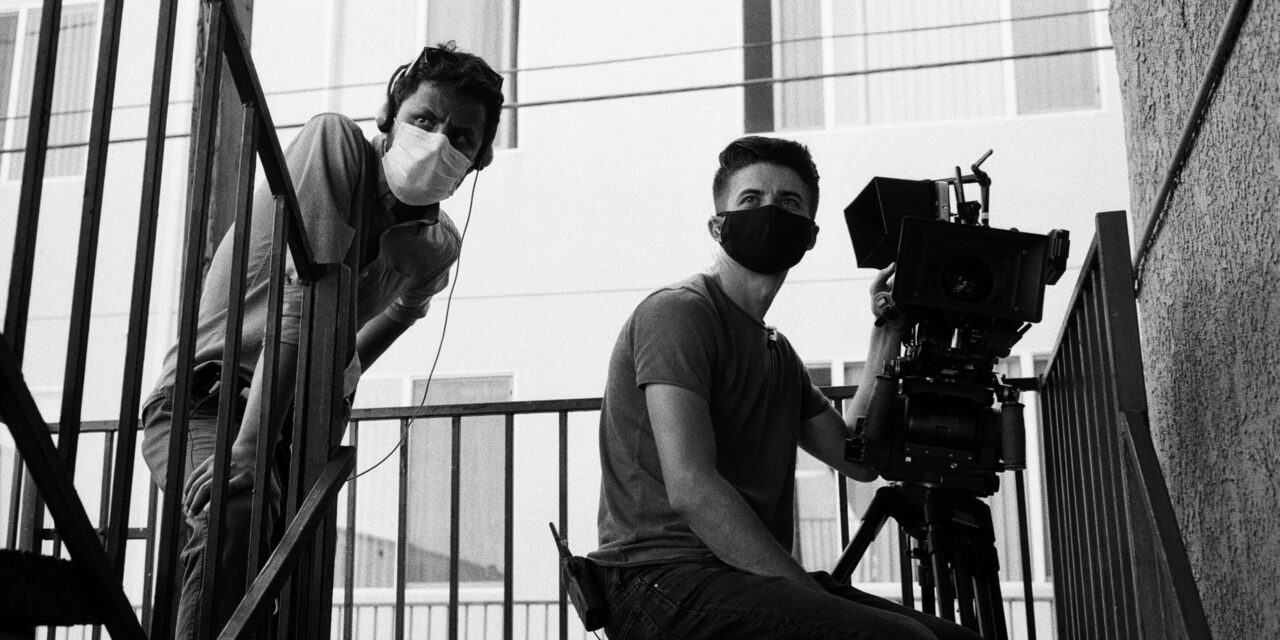
Lights, Camera, Action: Loras Alum Making His Mark in Hollywood
From the quiet streets of Dubuque to the bright lights of Hollywood, Rajendra “Raj” Thakurathi (’12) has traveled an inspiring journey fueled by his passion for… More
-
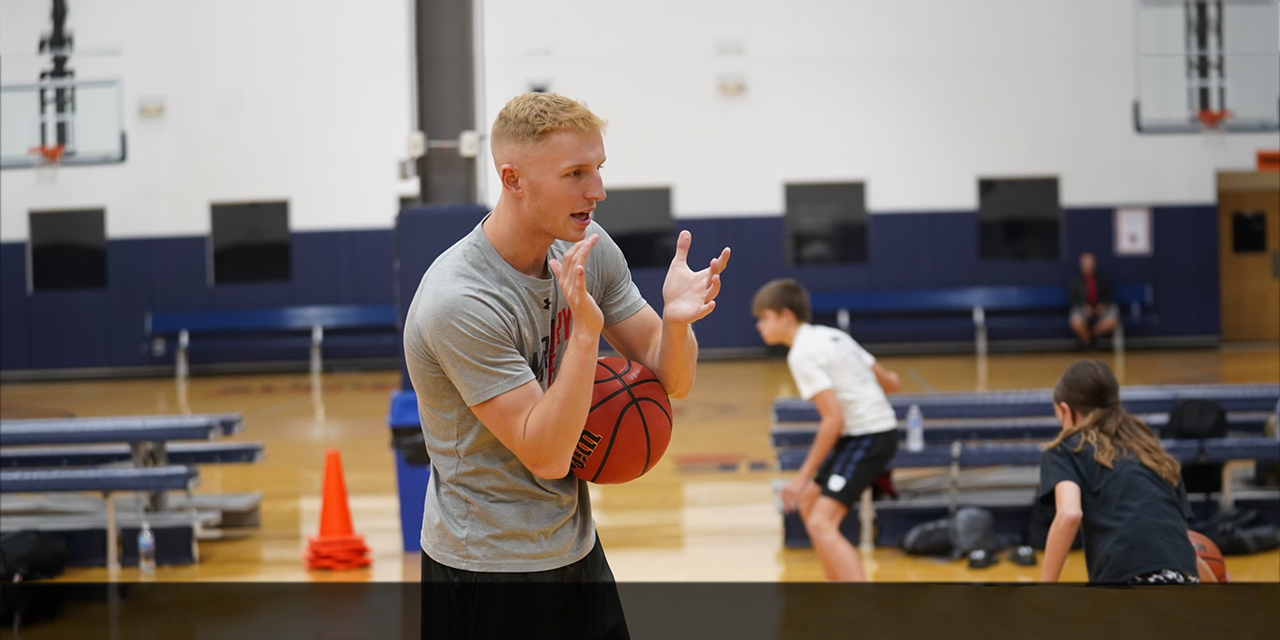
Duhawk Madness
Since graduating, Josh Ruggles (’19) has started Prosper Basketball, a training organization that has helped hundreds of athletes of all ages and skill levels push themselves to be the best version of themselves, personally and athletically, which makes him our March 2024 Duhawk Dozen recipient. More
-
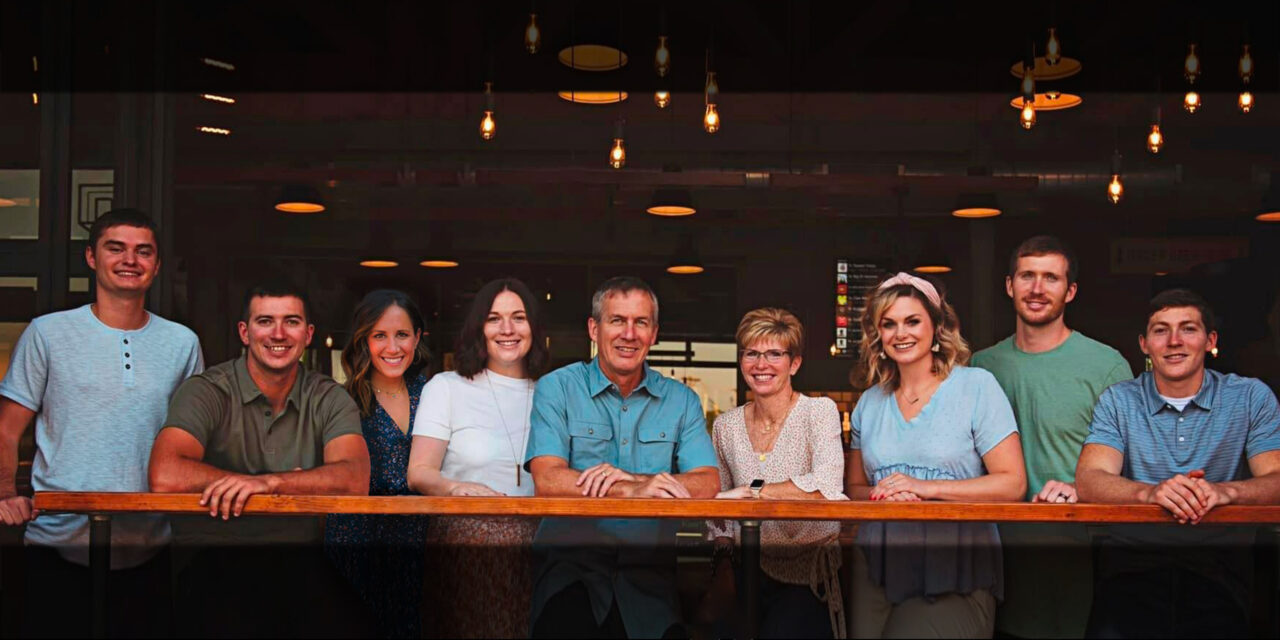
Dimensional Duhawks
In the heart of Dubuque, a historic building found new life as Dimensional Brewing Company, a vision brought to life with the help of Jeff (’88) and Melinda (Horsfield) Burds (’88). More